
Choose a cleanup tool.
Clean up iPhone contacts safely
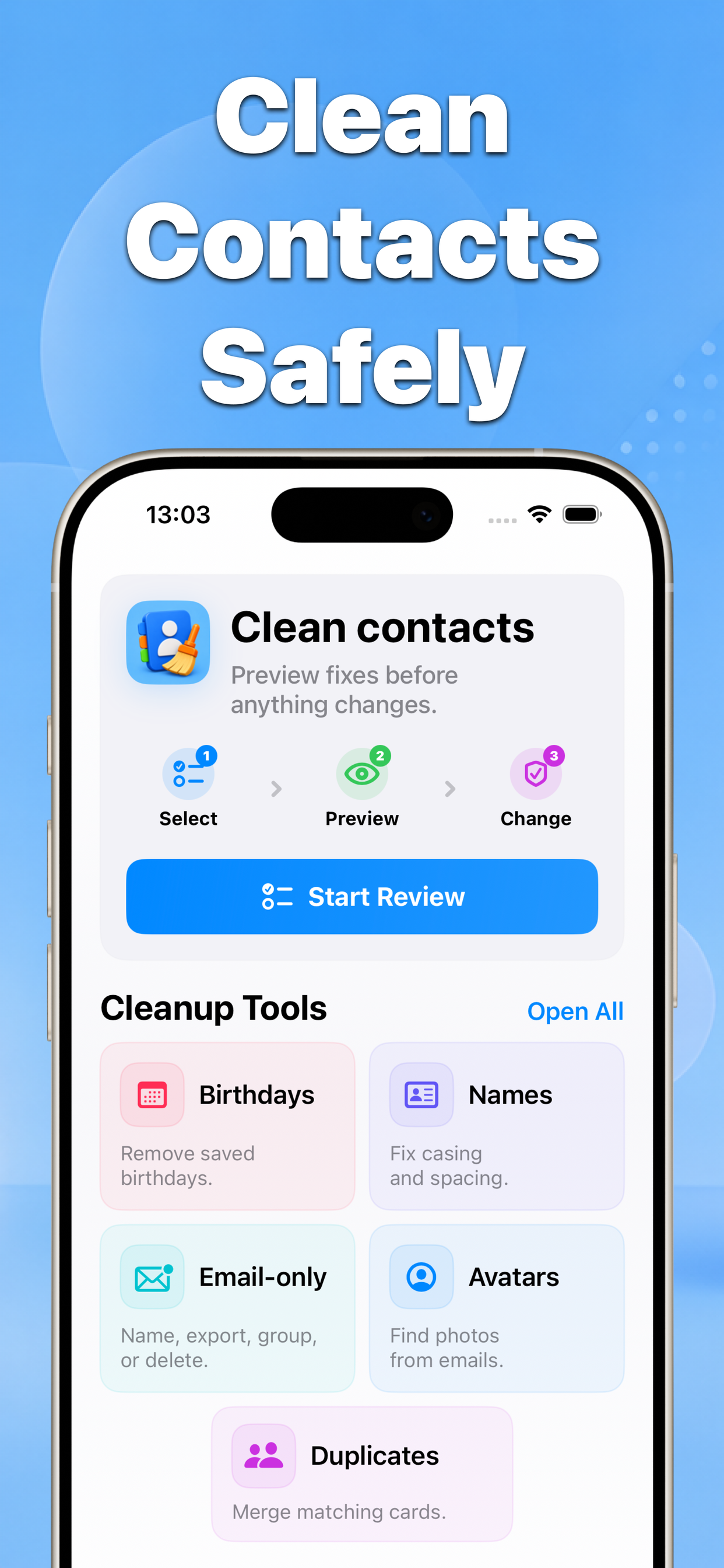
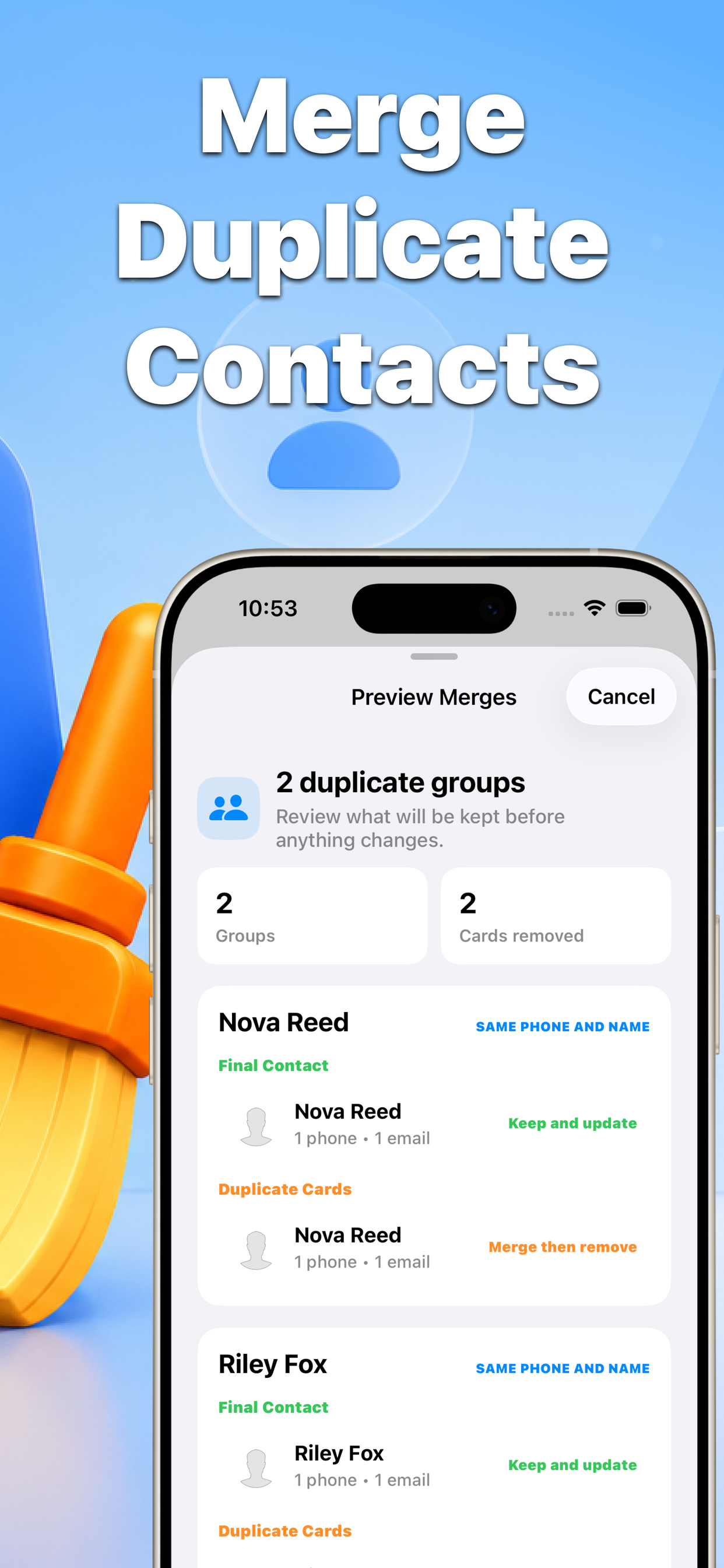
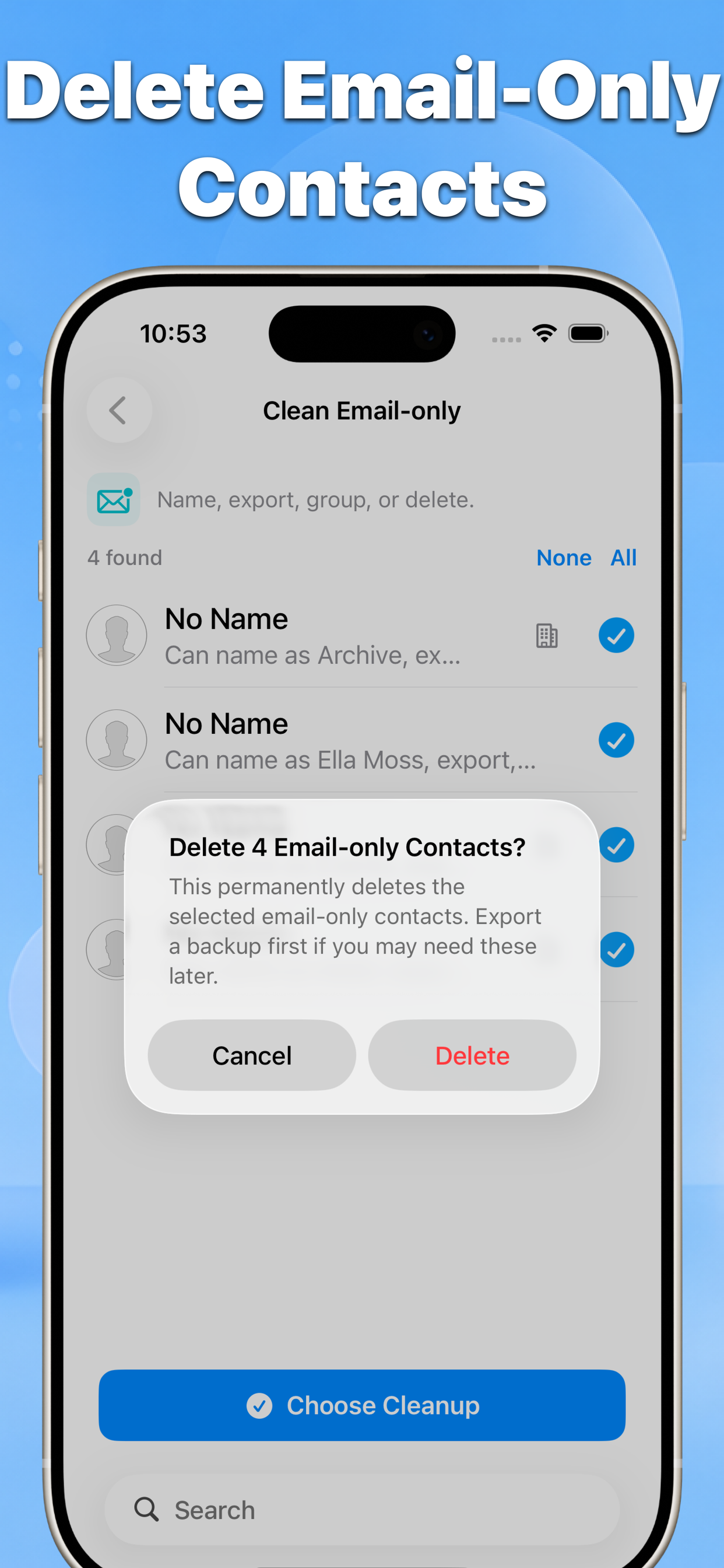
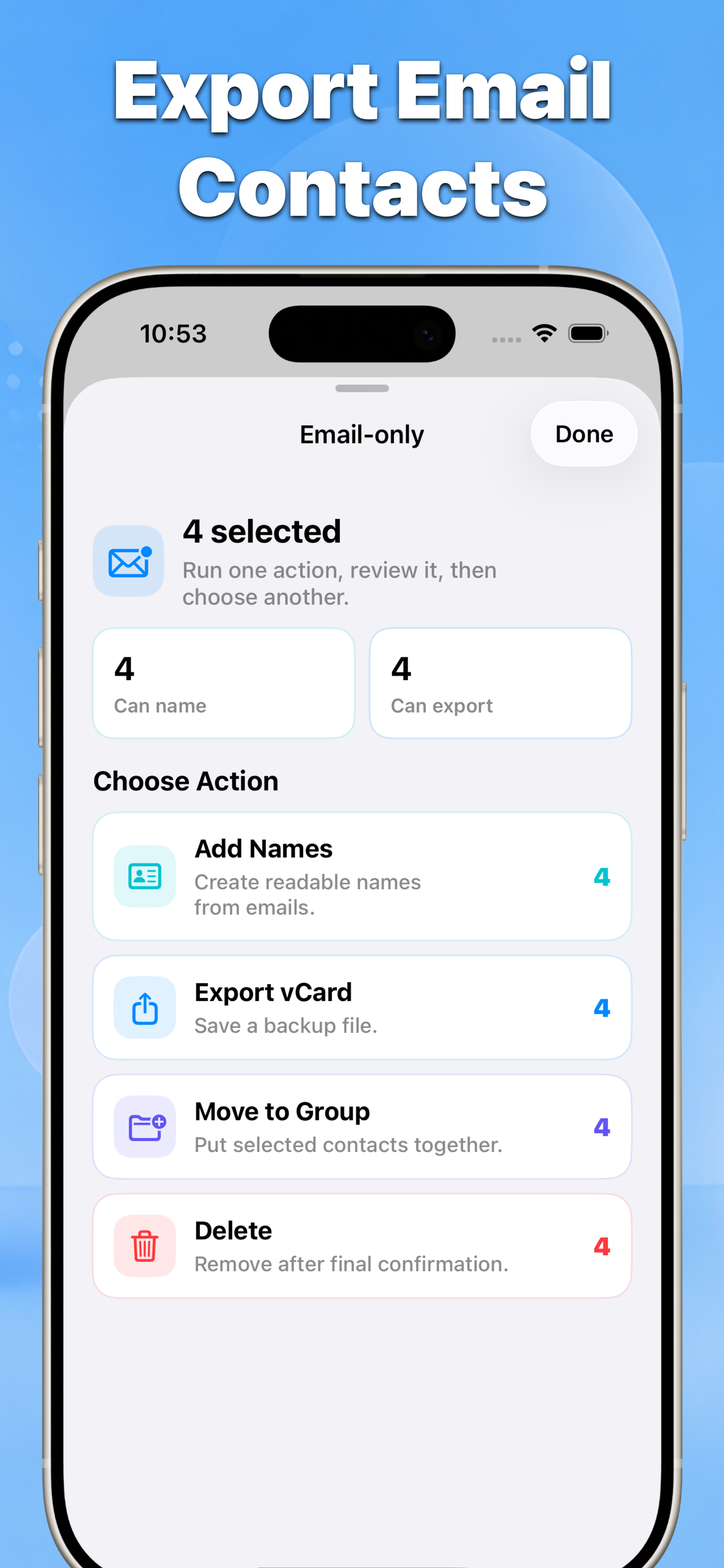
Find duplicates, email-only contacts, messy names, birthdays, and missing photos. Preview every change before you apply it.
- 01
- No blind bulk edits
- 02
- Before-and-after results
- 03
- Built for iPhone contacts
Features
One review flow for messy address books
Contact Cleaner focuses on the contact problems that build up after imports, sync conflicts, old leads, and years of iPhone use.
Review first
Select, preview, then apply
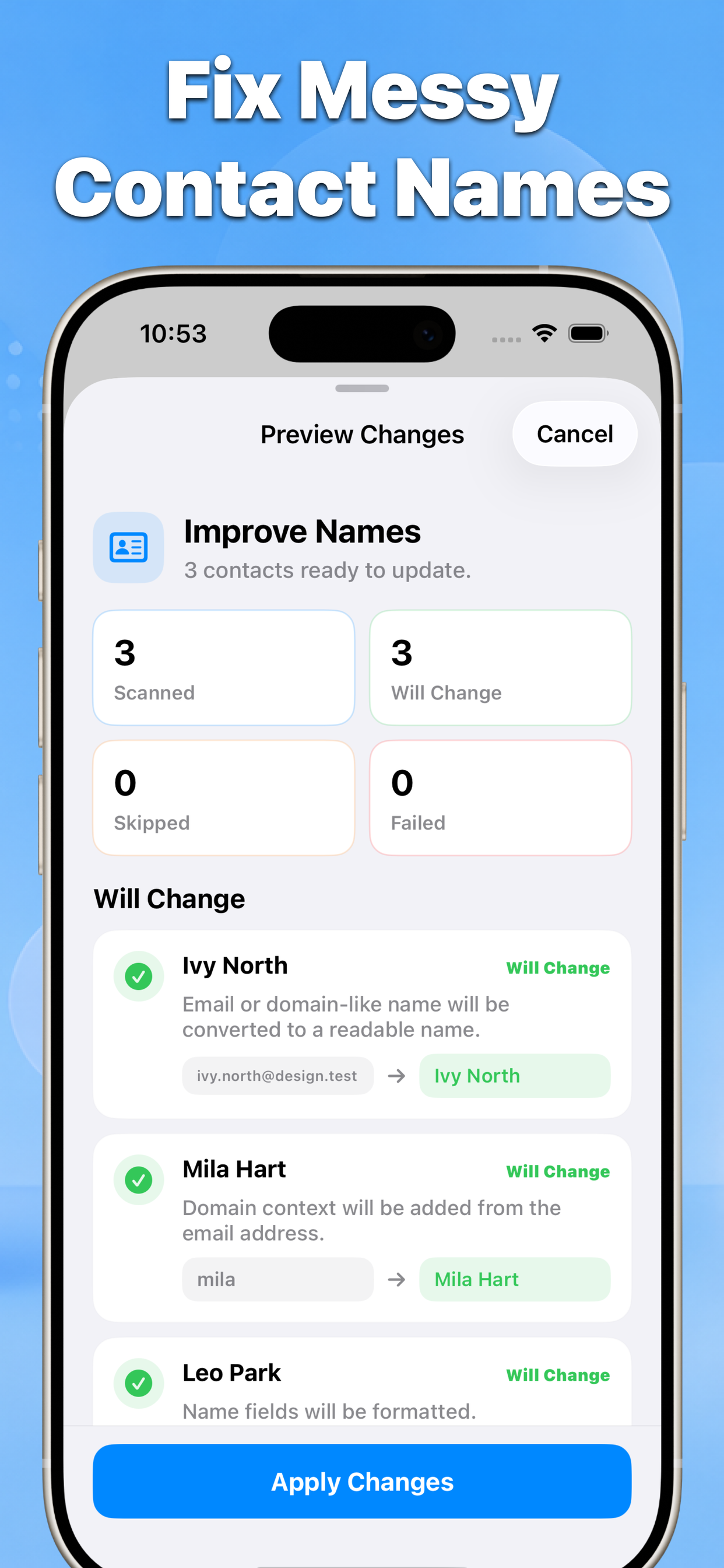
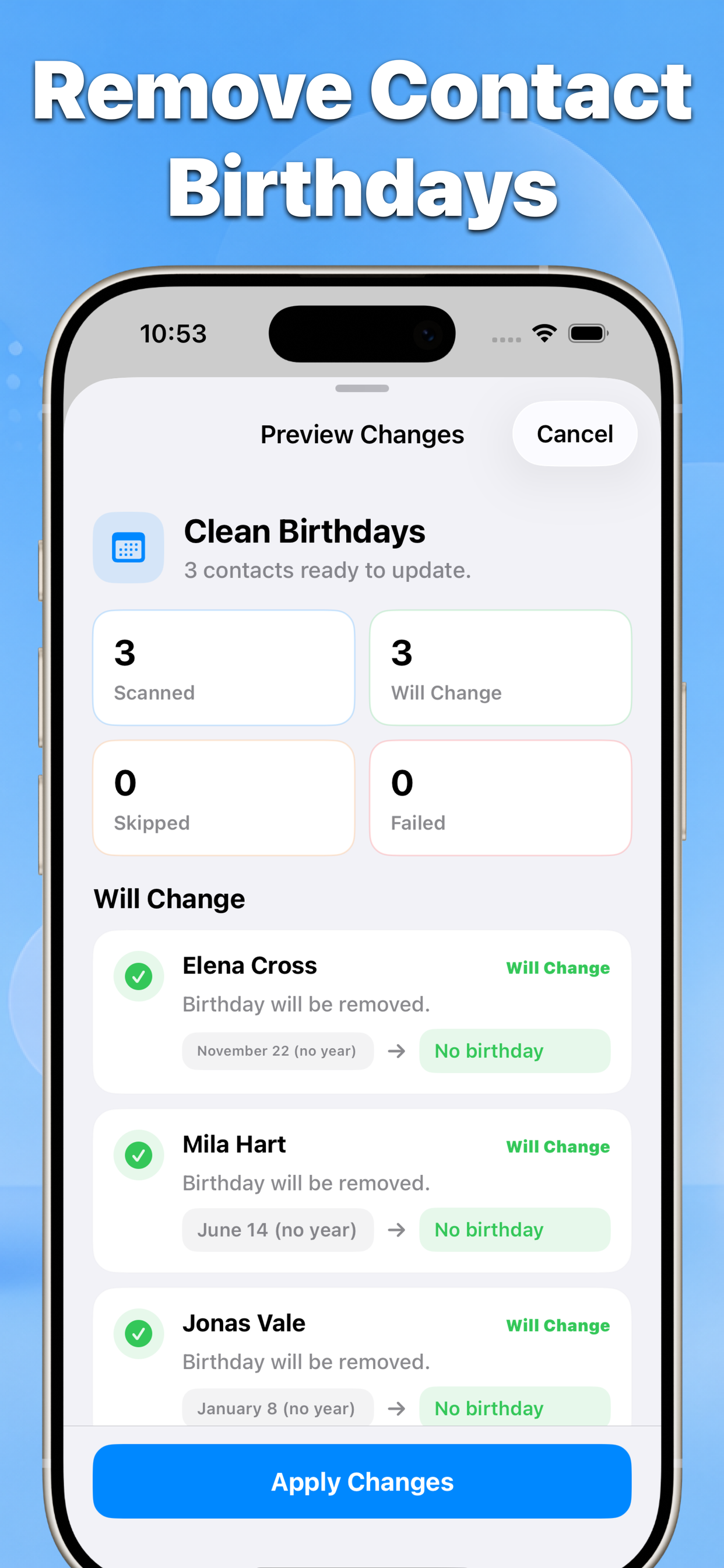
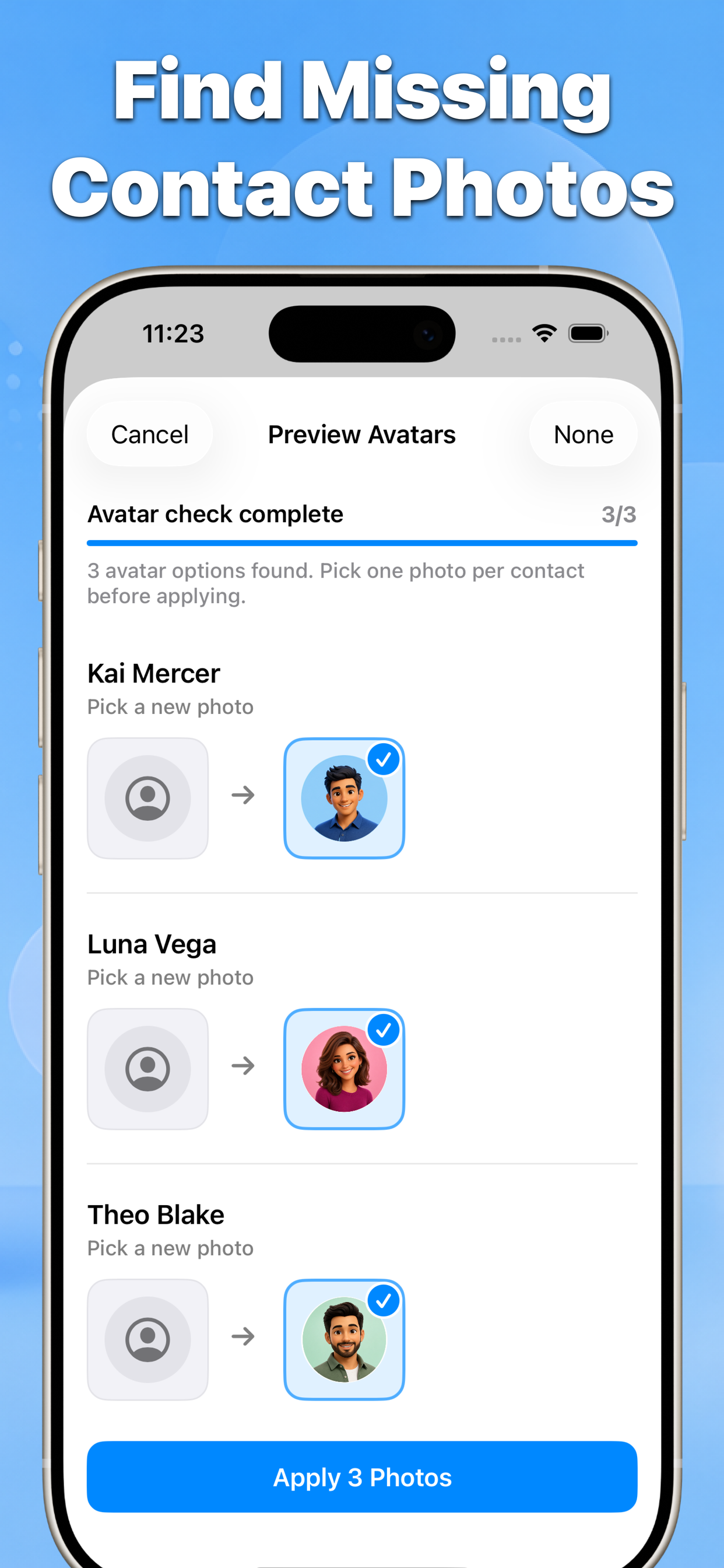
Every cleanup starts with a review list and ends with a result summary, so you stay in control of your address book.
Select the contacts or groups you want to review.
Preview the result and confirm the changes.
Guides
Guides built for search intent
Each guide explains the native iPhone option first, then shows when Contact Cleaner is the safer shortcut.
Trust
Private by design
Contacts access is used to scan selected address book fields, show previews, and save only confirmed changes.
Ready to clean your iPhone contacts?
Start with a review, keep what matters, and apply only the fixes you choose.
 Contacts Cleanup App Download on the App Store