
Native iPhone option
Apple Contacts and iCloud can help with simple edits, but bulk review is limited and destructive changes can be hard to audit.
This page explains how to fix messy contact names. Apple Contacts and iCloud can help with simple edits, but bulk review is limited and destructive changes can be hard to audit.
How Contact Cleaner helps
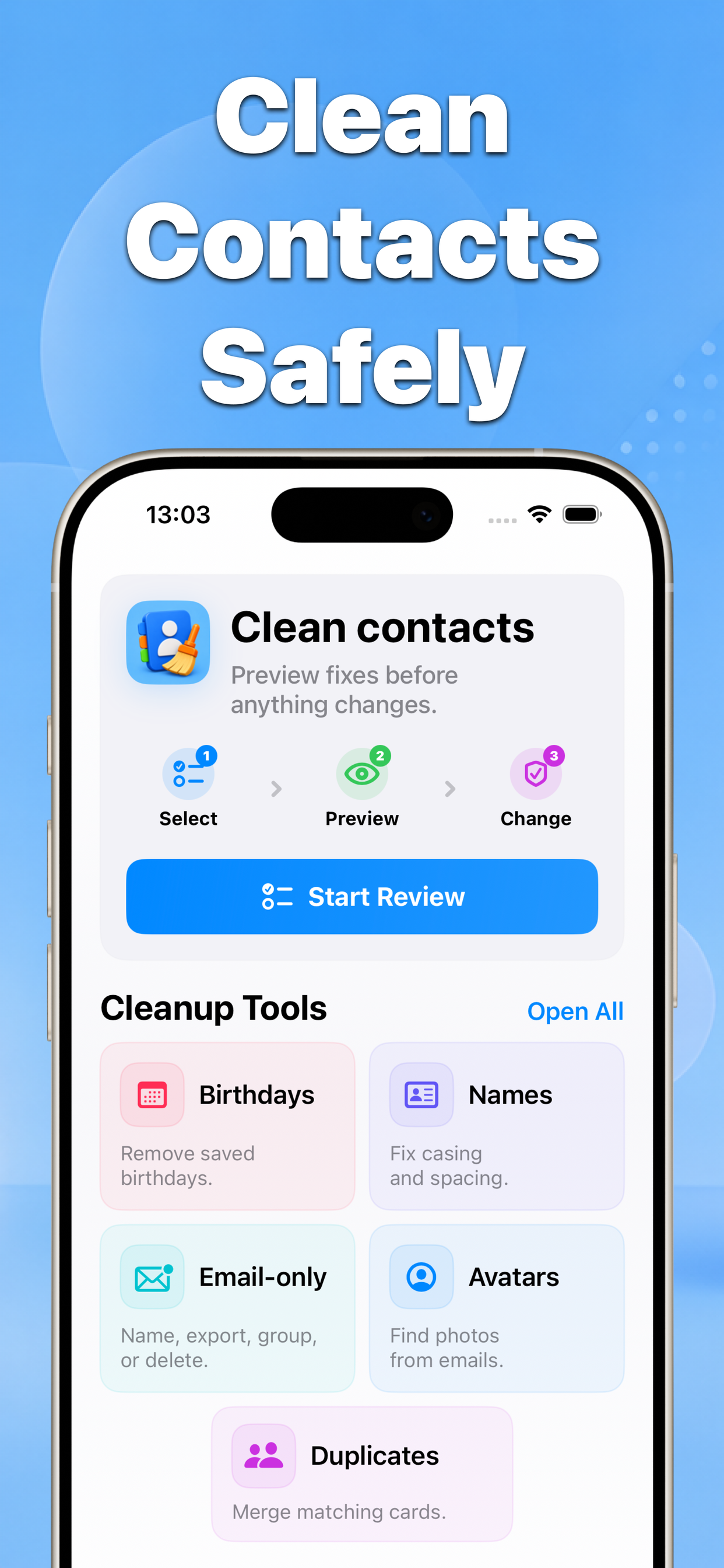
Contact Cleaner scans matching contacts, presents a before-and-after preview, and applies only the confirmed changes.
Before fix messy contact names
After Fix names
Why this matters
How to fix messy contact names | Contact Cleaner focuses on a practical problem: contacts are personal data, so a cleanup tool should make the next action obvious before anything is saved.
- No blind bulk edits
- Before-and-after results
- Built for iPhone contacts
Recommended workflow
- Choose a cleanup tool.
- Select the contacts or groups you want to review.
- Preview the result and confirm the changes.
FAQ
Does Contact Cleaner change contacts automatically?
No. The app is built around previews and confirmation screens before changes are saved.